 MakerSketch
Engraving text
Type letters into a sketch, then cut them into the part.
Add the text
In a sketch, pick Text and tap two points for the box the letters fill. Tap Type text and type them.
capture: a text box on the top face with Type text openEngrave it
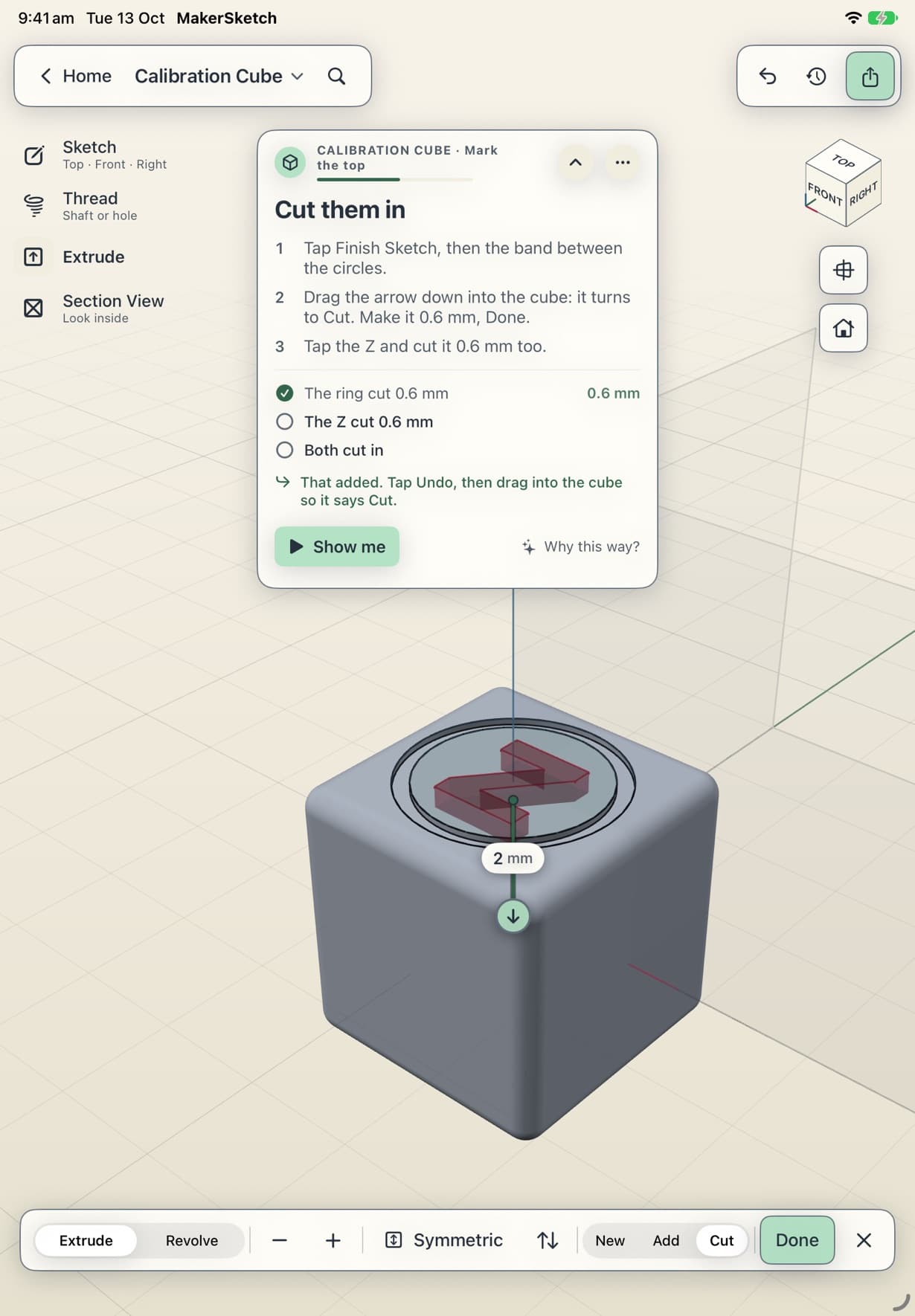
Each letter is a profile, so it works like any other shape. Tap it and drag the arrow into the part to cut it in. The Calibration Cube cuts its letters 0.6 mm deep.
There is one typeface, chosen to stay readable when it is printed small.
Stuck in the app?
In a project, tap Show me on the coach card to watch the step played out. Support has an email address if that doesn't do it.