MakerSketch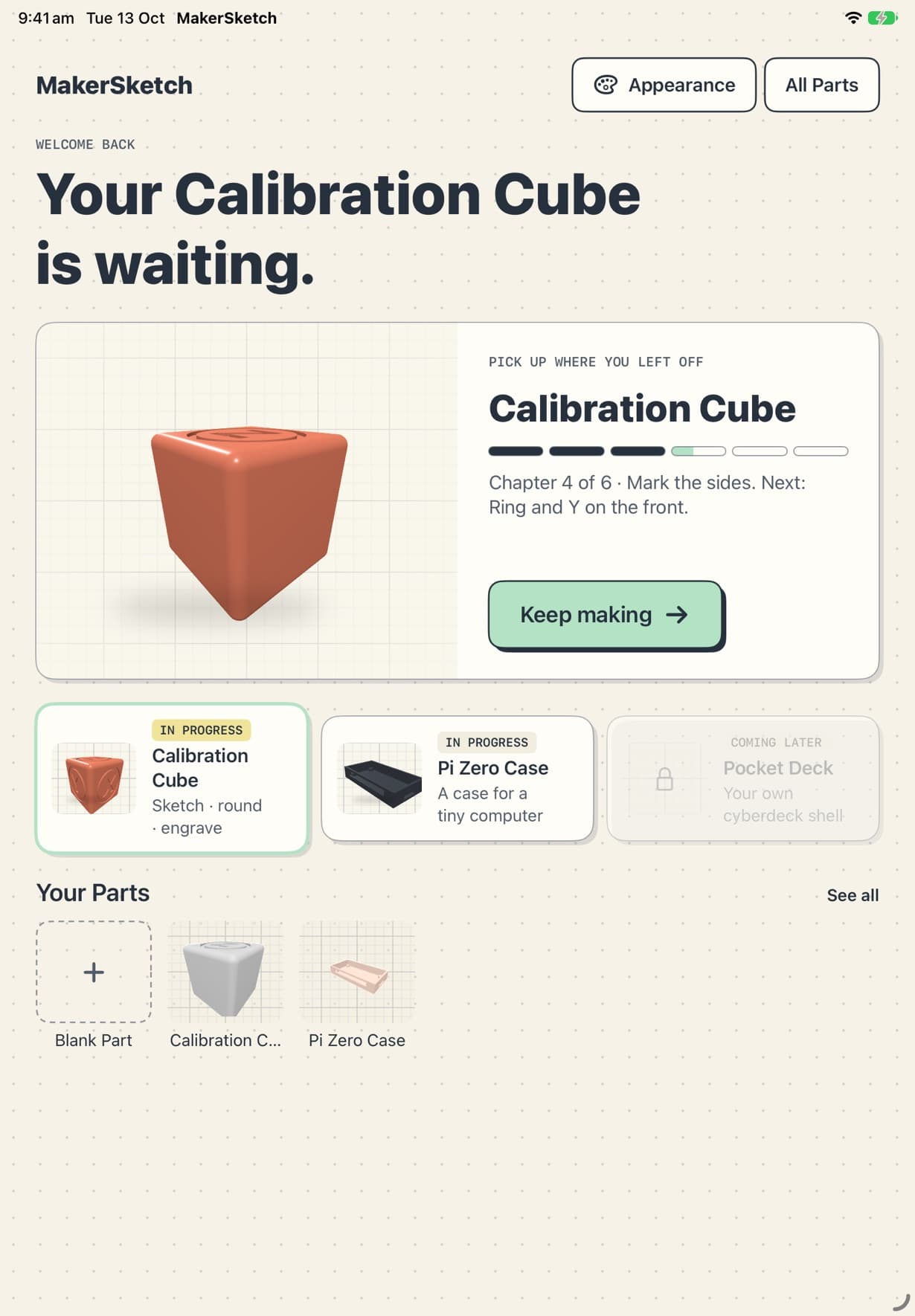
Getting started
Open a project, follow the coach, and pick up where you left off.
Guide
Short pages on each tool. The projects teach them step by step inside the app; these are for when you want the whole picture.
Open a project, follow the coach, and pick up where you left off.
Everything works with a finger. Apple Pencil adds a few shortcuts.
Every part starts as a flat sketch, on a plane or on a face of the part.
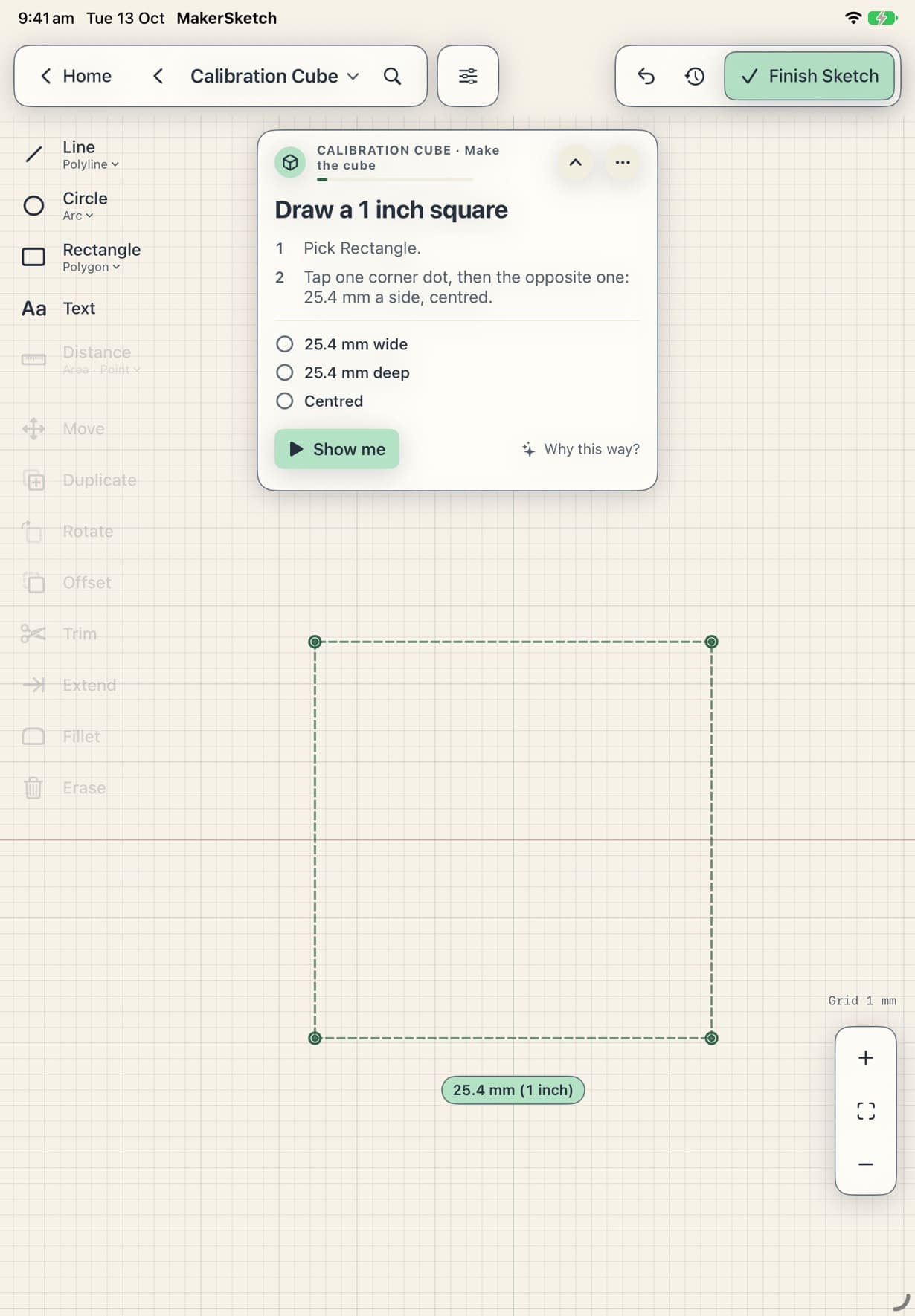
Type the size you want instead of eyeballing it.
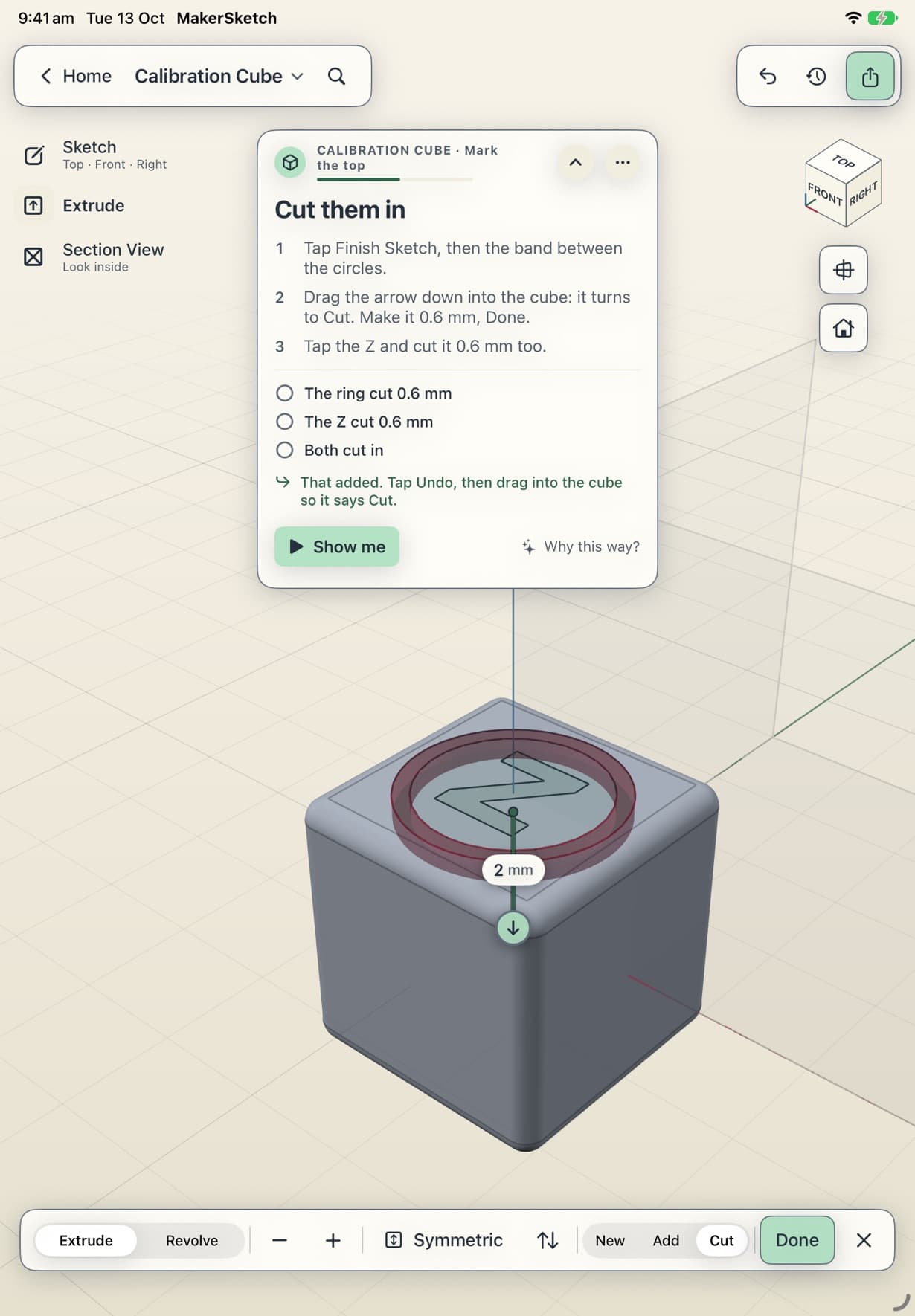
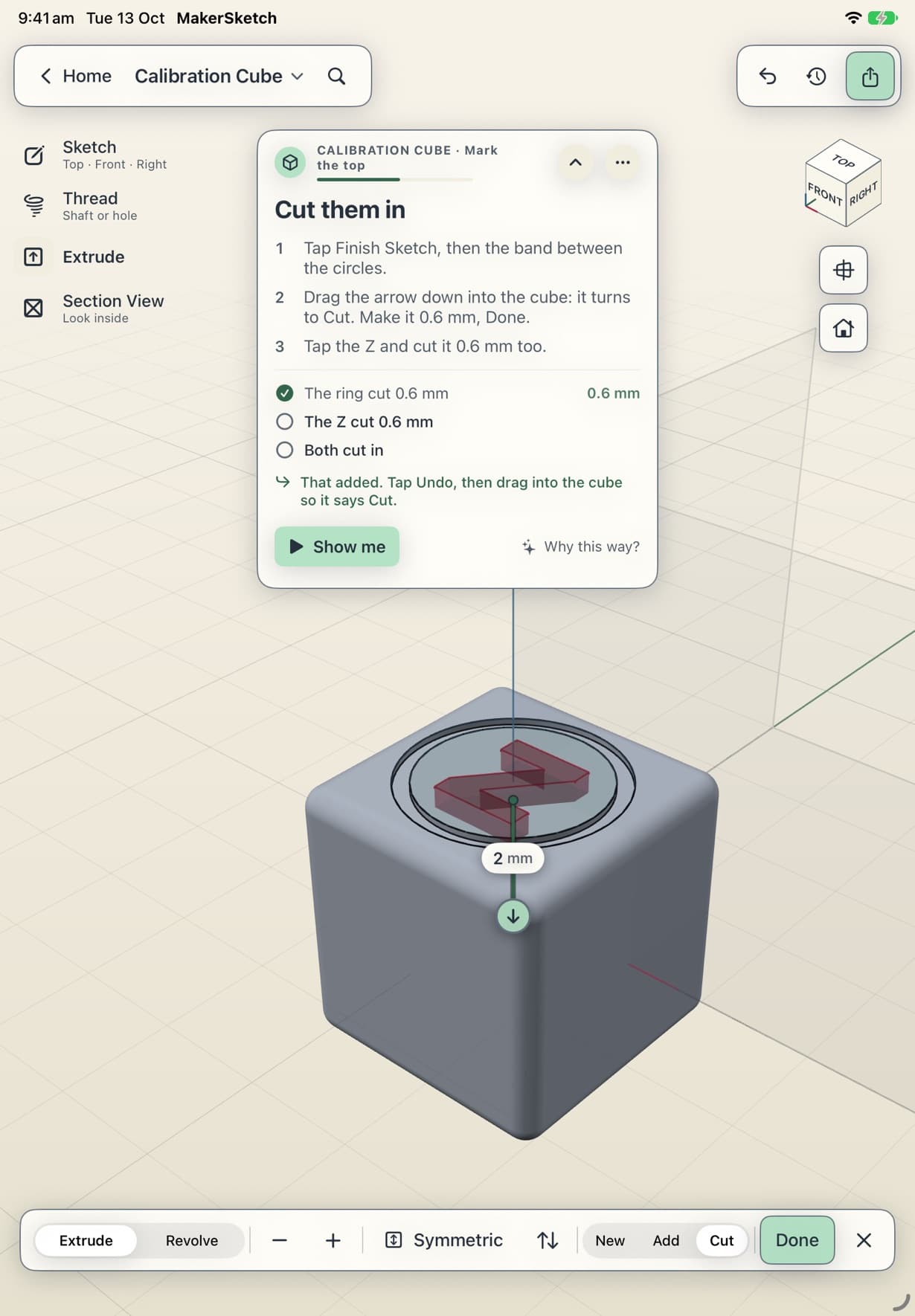
Push a profile into a solid, or into the part to cut it away.
Soften a sharp edge into a curve (a fillet), or bevel it flat.
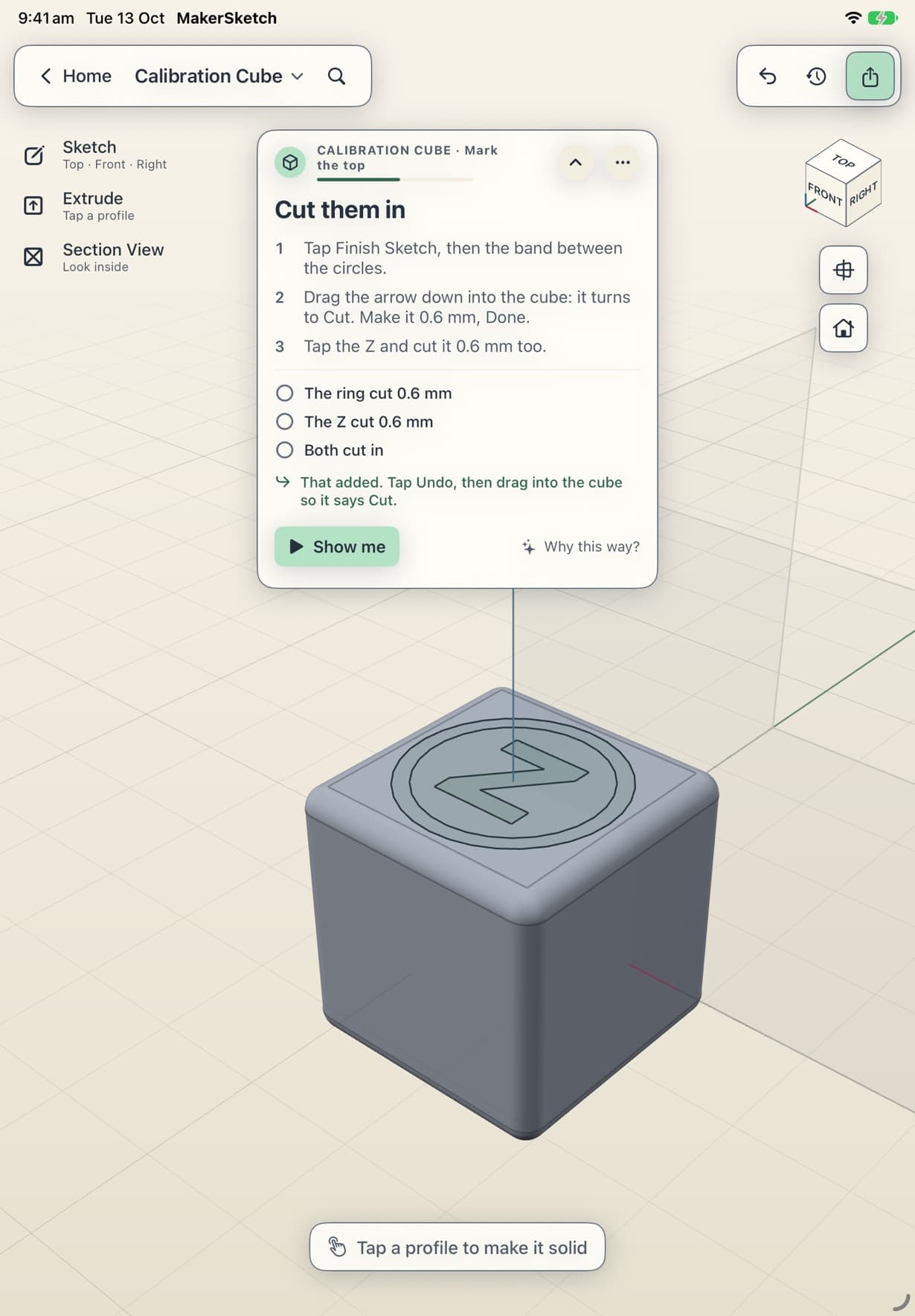
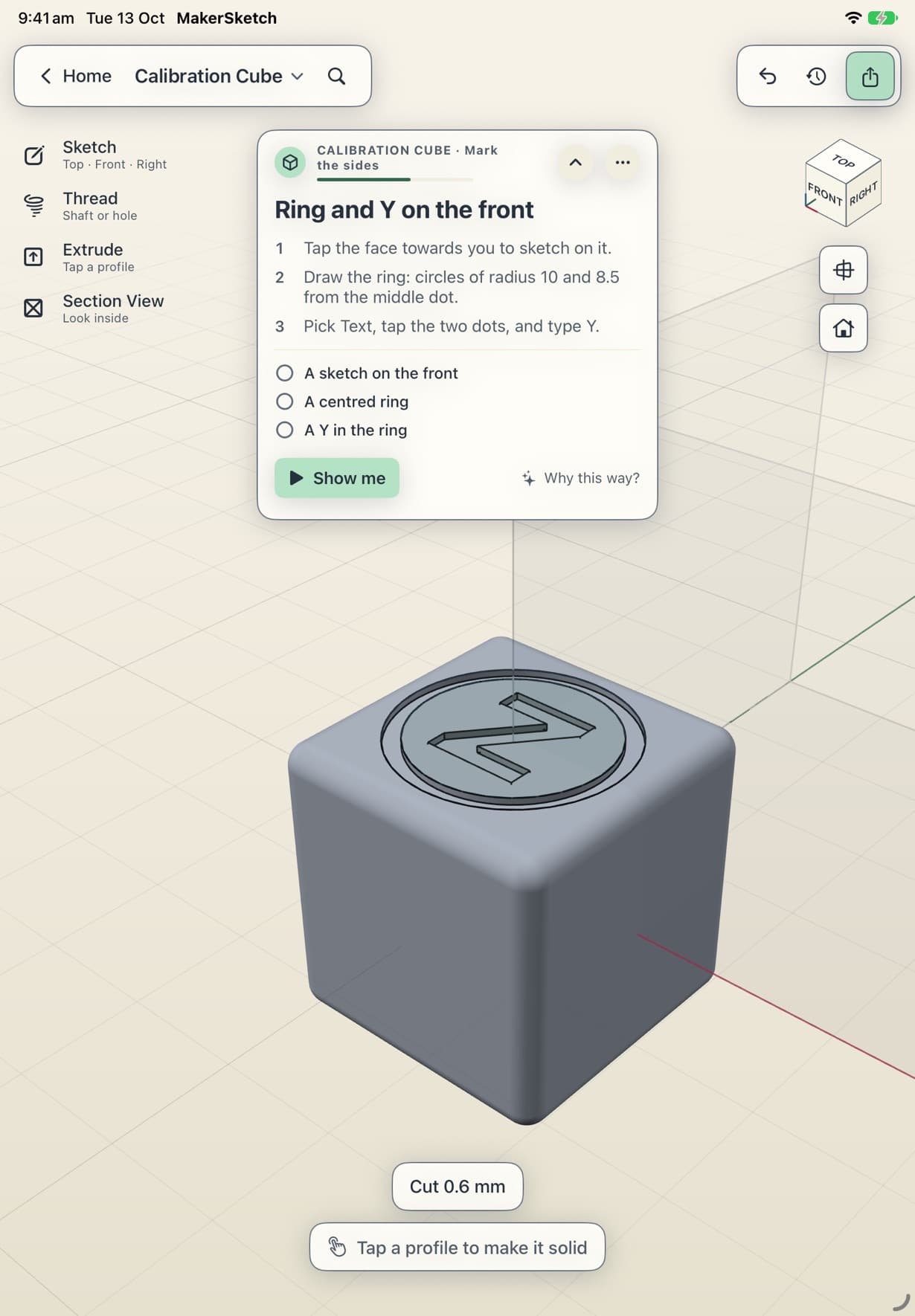
Type letters into a sketch, then cut them into the part.
Parts are ordinary files you can keep anywhere the Files app reaches.
Get your part out of MakerSketch and into your slicer.
You can still make every project. The file is the same.