 MakerSketch
Guided project
Calibration Cube
Design the cube every maker prints first: 1 inch, rounded, with X, Y and Z marked so you can check your printer. About 20 minutes, and it prints in well under an hour.
What you'll make
- 01Make the cubesketch a square, extrude it
- 02Round every edgeround edges (fillets)
- 03Mark the topsketch on a face, add text, cut
- 04Mark the sidesthe same on the side faces
- 05Ring the other facesrepeat a feature on every face
- 06Get it ready to printexport an STL
- Time
- About 20 minutes in the app
- Printer
- Not needed to finish it
- Input
- Finger or Apple Pencil
- Runs on
- iPad, iPadOS 27 or later
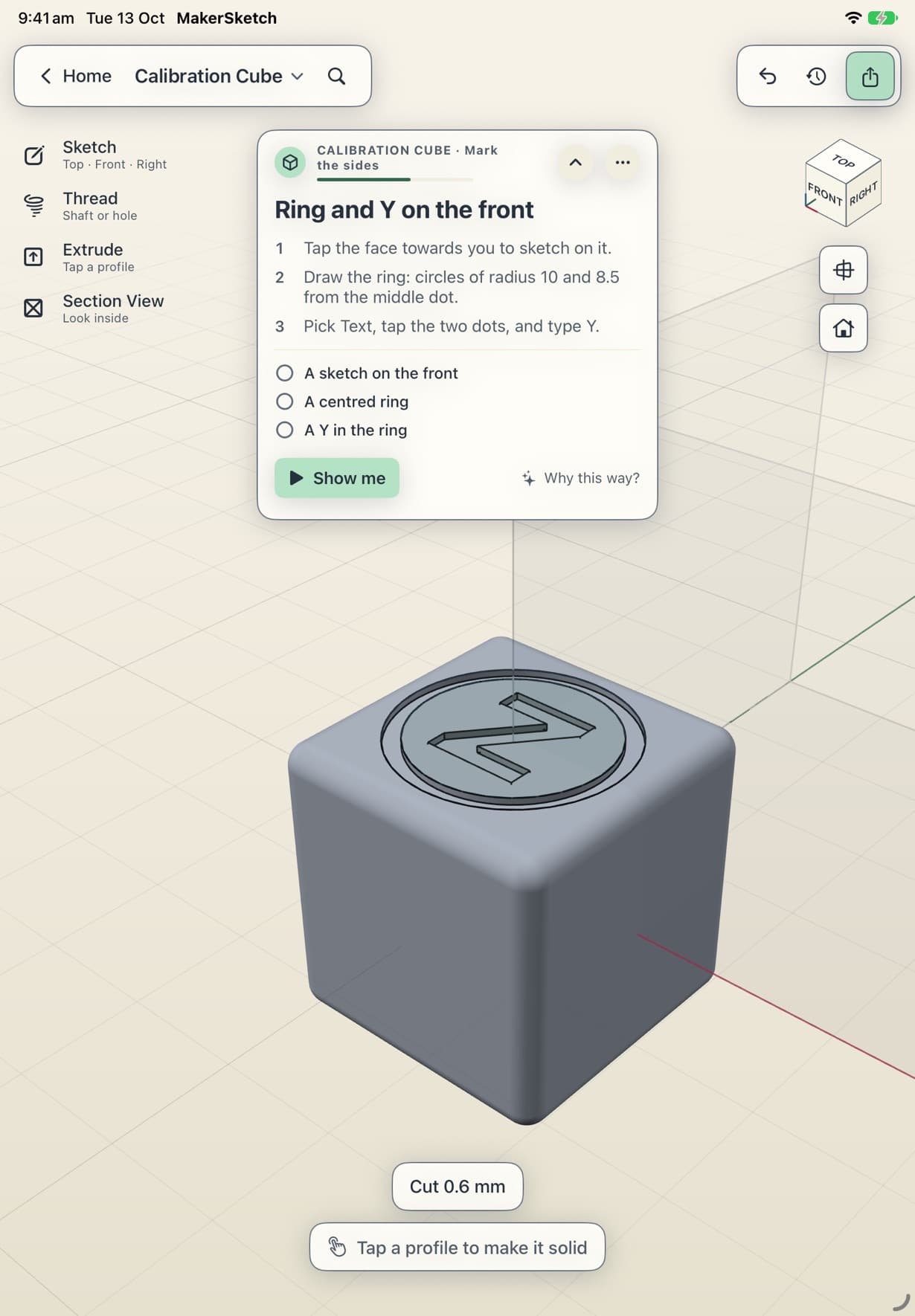
photo: the printed part
video: cube measured with calipers
You made a calibration cube
A cube, rounded, then marked on its own faces. Print it, put calipers across each pair of faces, and each axis should read 25.4 mm. If one is off, your slicer can scale that axis.
Print it
PrusaSlicer estimates about 32 minutes and 6.6 g of PLA on a Prusa MK3.5 (0.4 mm nozzle, 0.20 mm SPEED profile). Your printer and settings will change that.
Check it worked
Put calipers across each pair of faces. Each axis should read 25.4 mm. If one is off, your slicer can scale that axis.